

پێکهاتەکانی تۆڕ
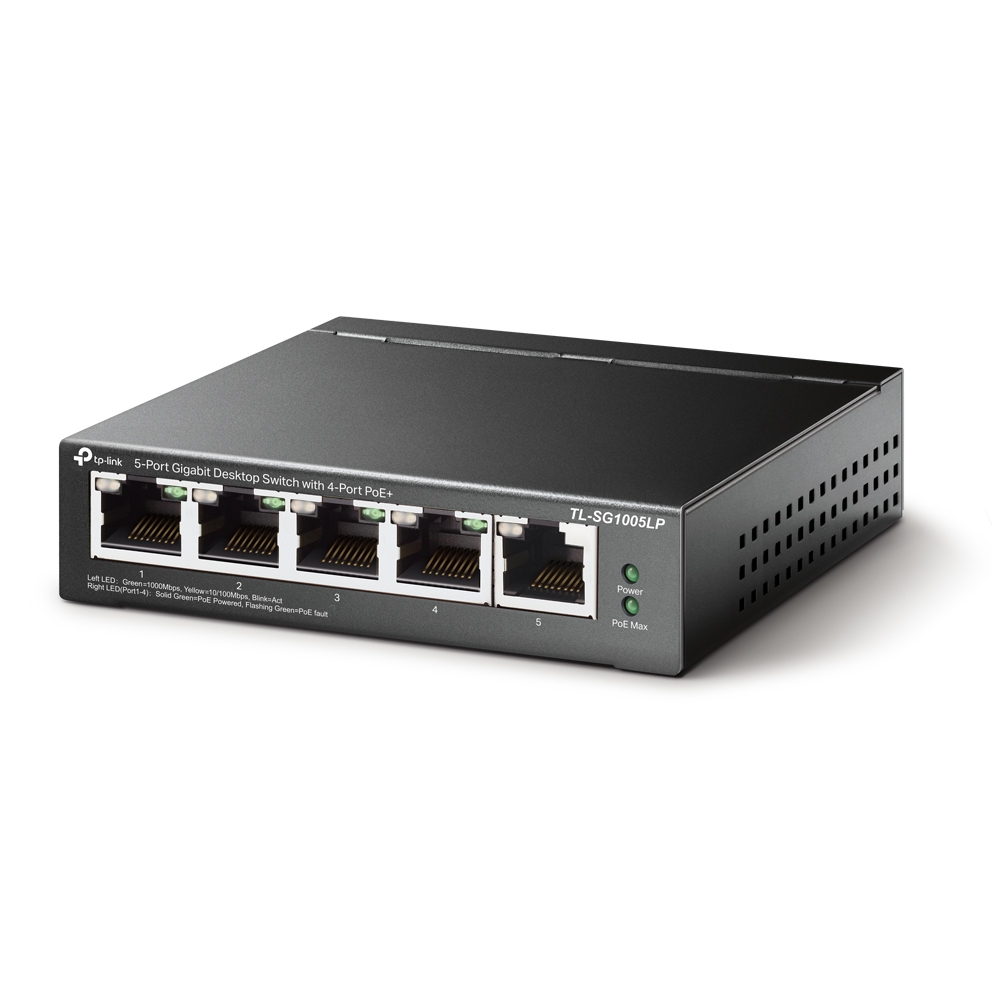
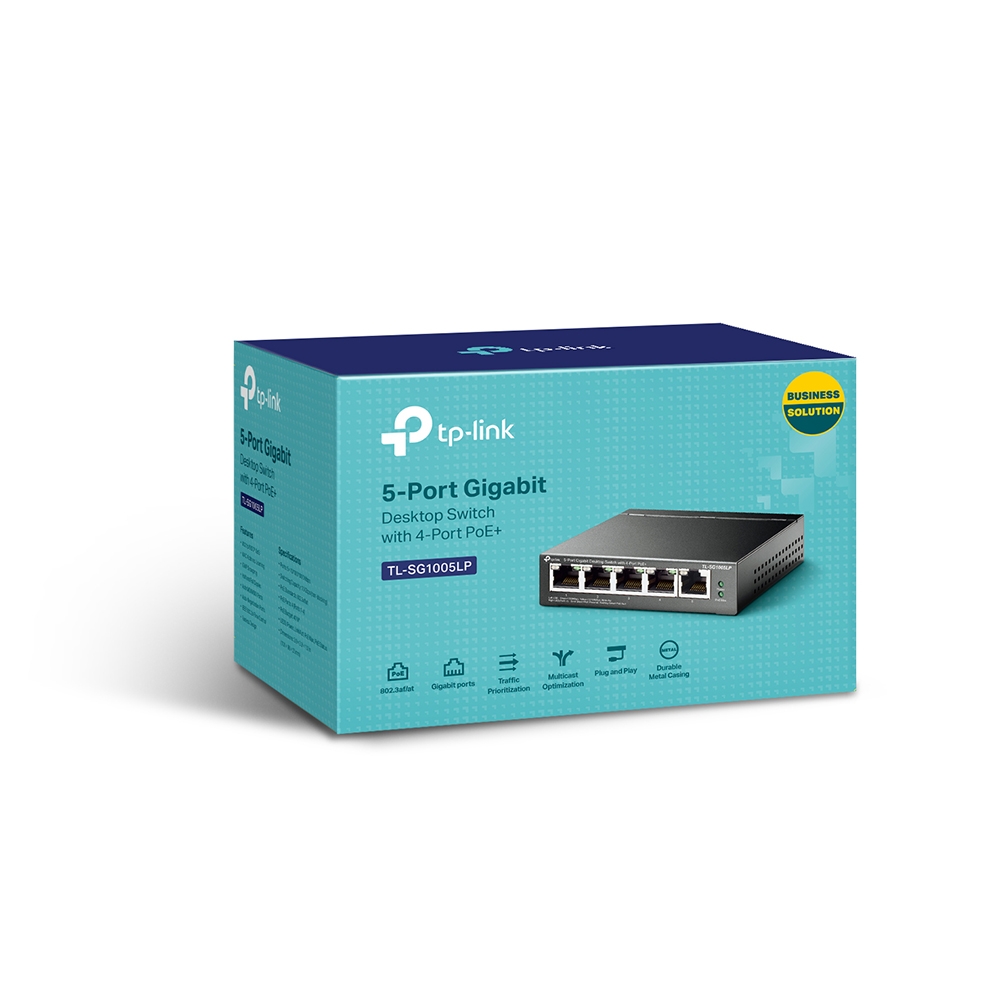
TL-SG1005LP
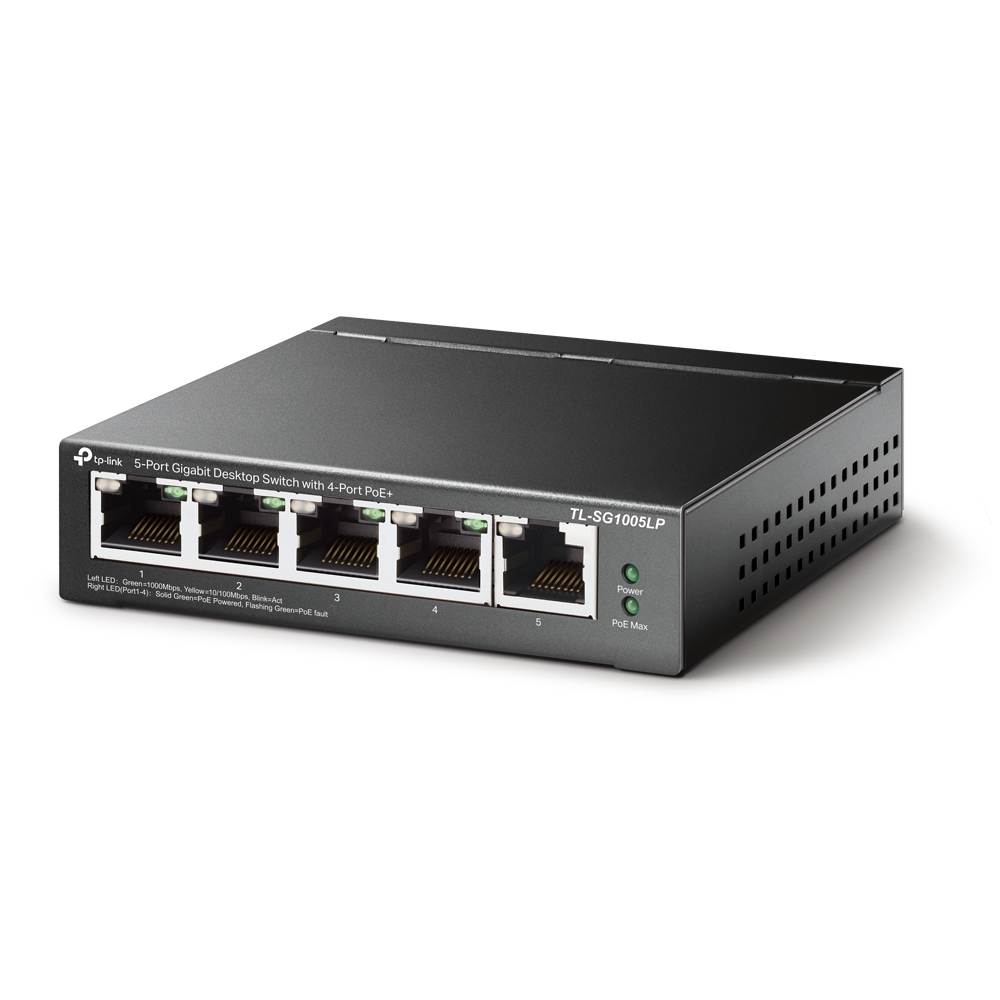
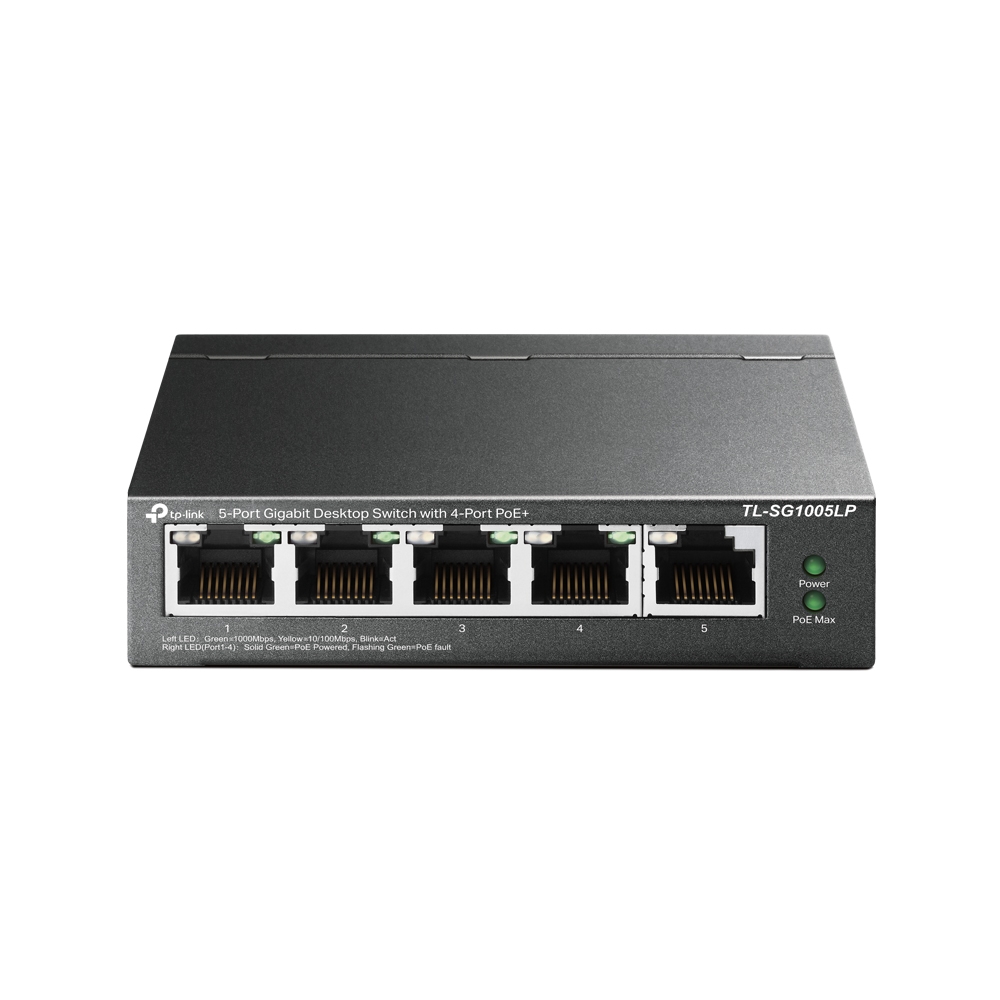
TL-SG1005LP: سویچی گیگابتی سەر مێز بە 5 پۆرت، 4 یان PoE+. لە LENS لە هەولێر بەردەستە بە گەرەنتیی ناوخۆیی، دەتوانین بۆشت دابمەزرێنین. بۆ نرخ لە واتسئاپ نامەمان بۆ بنێرە.
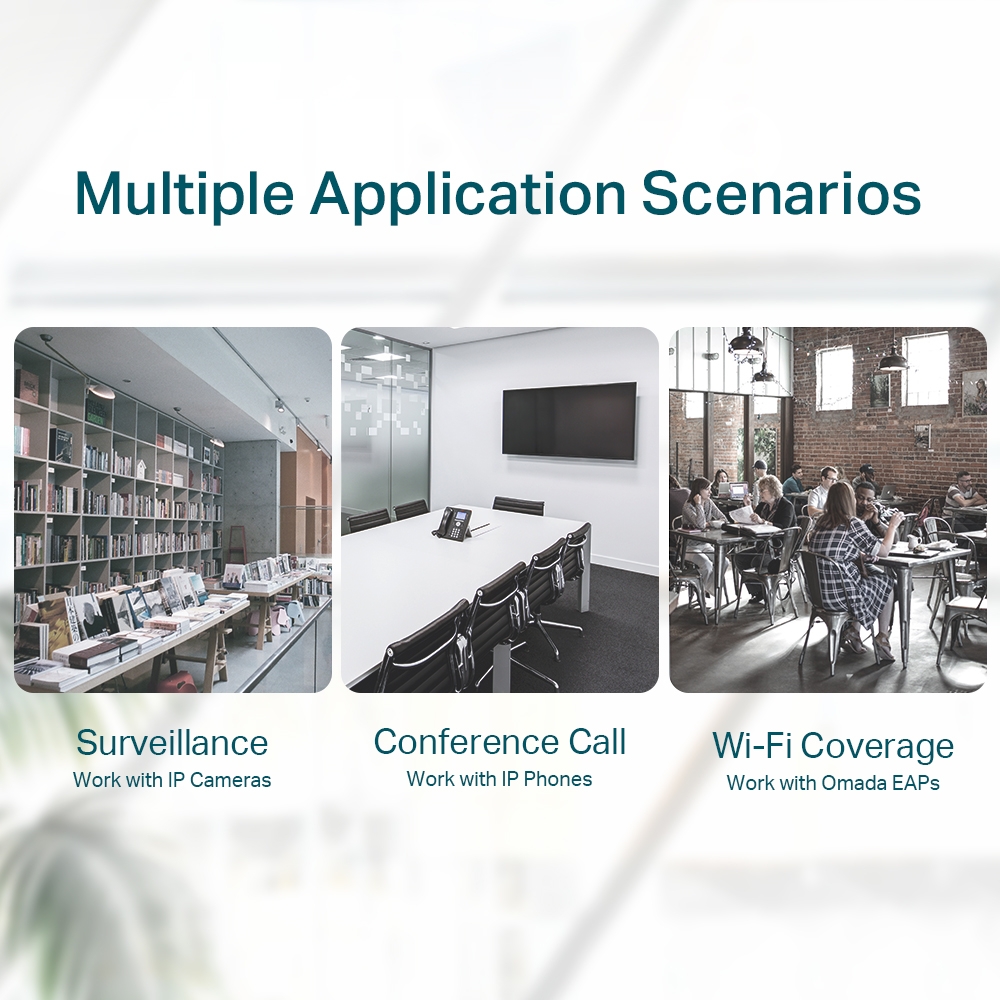
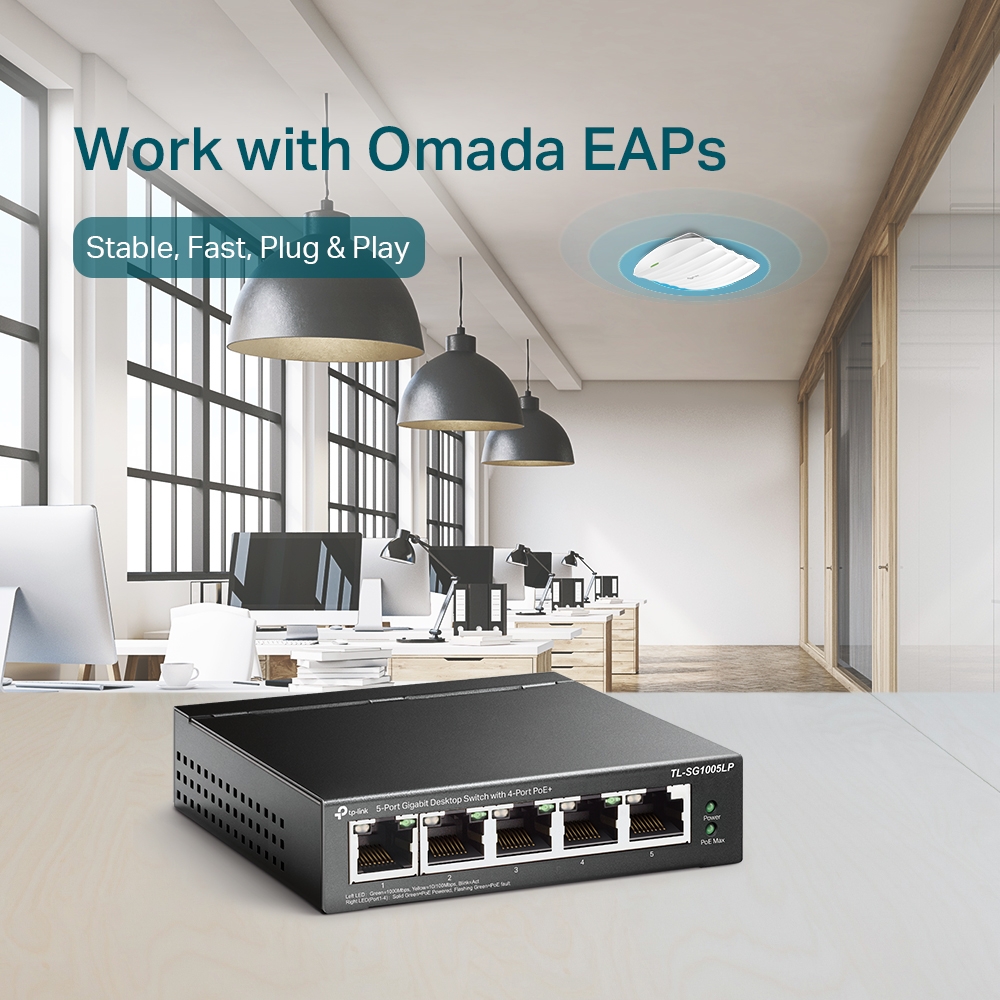
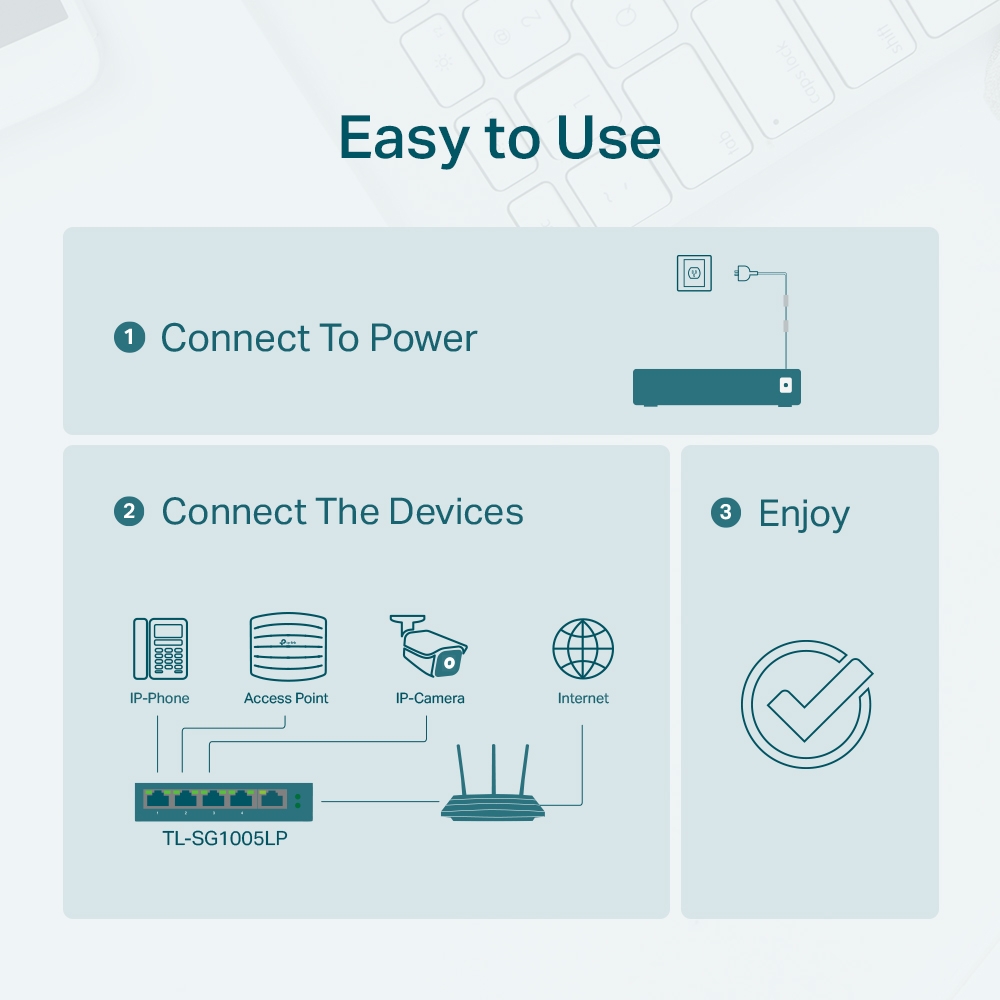
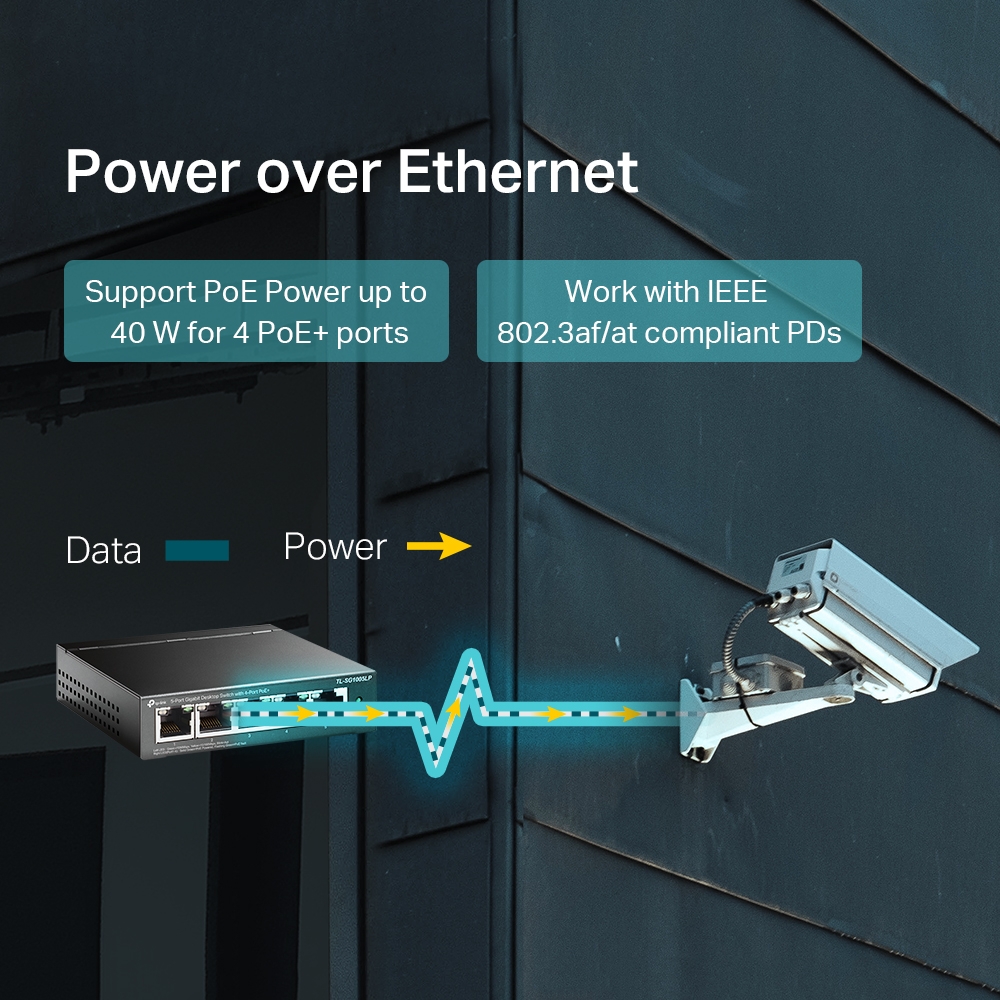
TL-SG1005LP 5-Port Gigabit Desktop PoE Switch with 4-Port PoE+ 5× 10/100/1000 Mbps RJ45 ports With four PoE+ ports, transfers data and power on one single cable Works with IEEE 802.3af/at compliant PDs 802.1p/DSCP QoS enable smooth latency-sensitive traffic Supports PoE Power up to 30 W for each PoE port Supports PoE Power up to 40 W for all PoE ports* Plug and play, no configuration and installation required
TL-SG1005LP سویچی PoE ی 5-Port Gigabit Desktop لەگەڵ 4-Port PoE+ دەرچەی RJ45 5× 10/100/1000 مێگابایت لە چرکەیەکدا بە چوار دەرچەی PoE+، داتا و کارەبا لەسەر یەک کێبڵ دەگوازێتەوە لەگەڵ IEEE 802.3af/لە PD ی پابەند کاردەکات 802.1p/DSCP QoS هاتوچۆی هەستیار بە شاراوەیی نەرم چالاک دەکات پشتگیری لە PoE Power دەکات تا 30 W بۆ هەر دەرچەیەکی PoE پشتگیری لە PoE Power دەکات تا 40 W بۆ هەموو دەروازەکانی PoE* پلاگ و پلەی، پێویست بە ڕێکخستن و دامەزراندن ناکات
TL-SG1005LP محول PoE لسطح المكتب بخمسة منافذ جيجابت مع 4 منافذ PoE+ 5 × 10/100/1000 ميجابت في الثانية منافذ RJ45 مع أربعة منافذ PoE+، يمكنك نقل البيانات والطاقة عبر كابل واحد يعمل مع IEEE 802.3af/في PDs المتوافقة تعمل تقنية 802.1p/DSCP QoS على تمكين حركة مرور سلسة حساسة لزمن الوصول يدعم طاقة PoE حتى 30 واط لكل منفذ PoE يدعم طاقة PoE حتى 40 وات لجميع منافذ PoE* التوصيل والتشغيل، لا يتطلب التكوين والتثبيت
// لە هەولێر بیکڕە
TL-SG1005LP لە هەولێر — لە LENS
LENS لە ساڵی 2012ـەوە لە هەولێر سیستەمی ئاسایش دابین دەکات و دایدەمەزرێنێت. لە ڕێگەی واتساپەوە پەیوەندیمان پێوە بکە بۆ نرخ، بەردەستبوون و دامەزراندنی TL-SG1005LP . بنکەکەمان لە هەولێرە و بۆ شارەکانی تر بەپێی داواکاری.
لە واتساپ بپرسە// YOU MIGHT ALSO LIKE
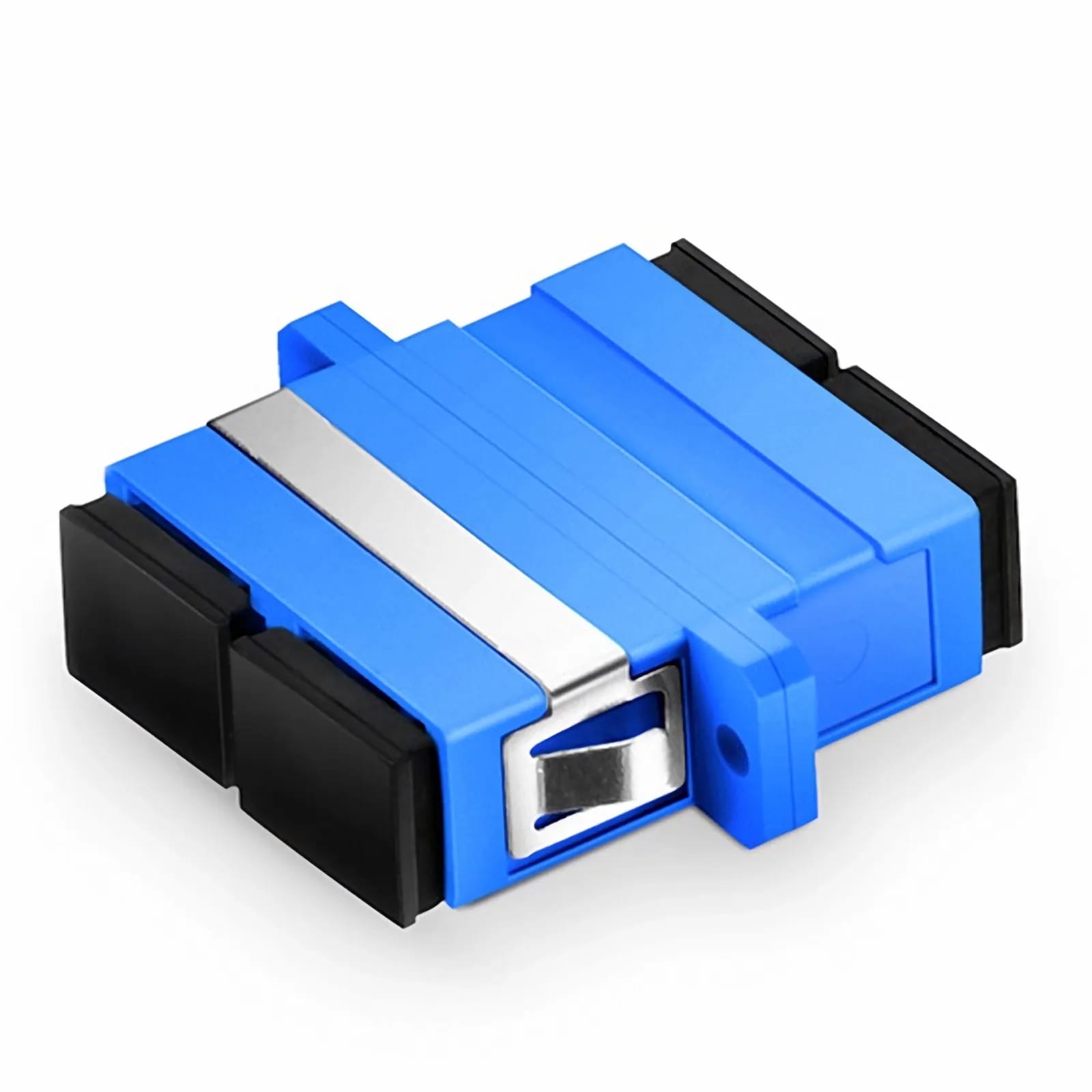
SC-SC duplex Fiber optic flange
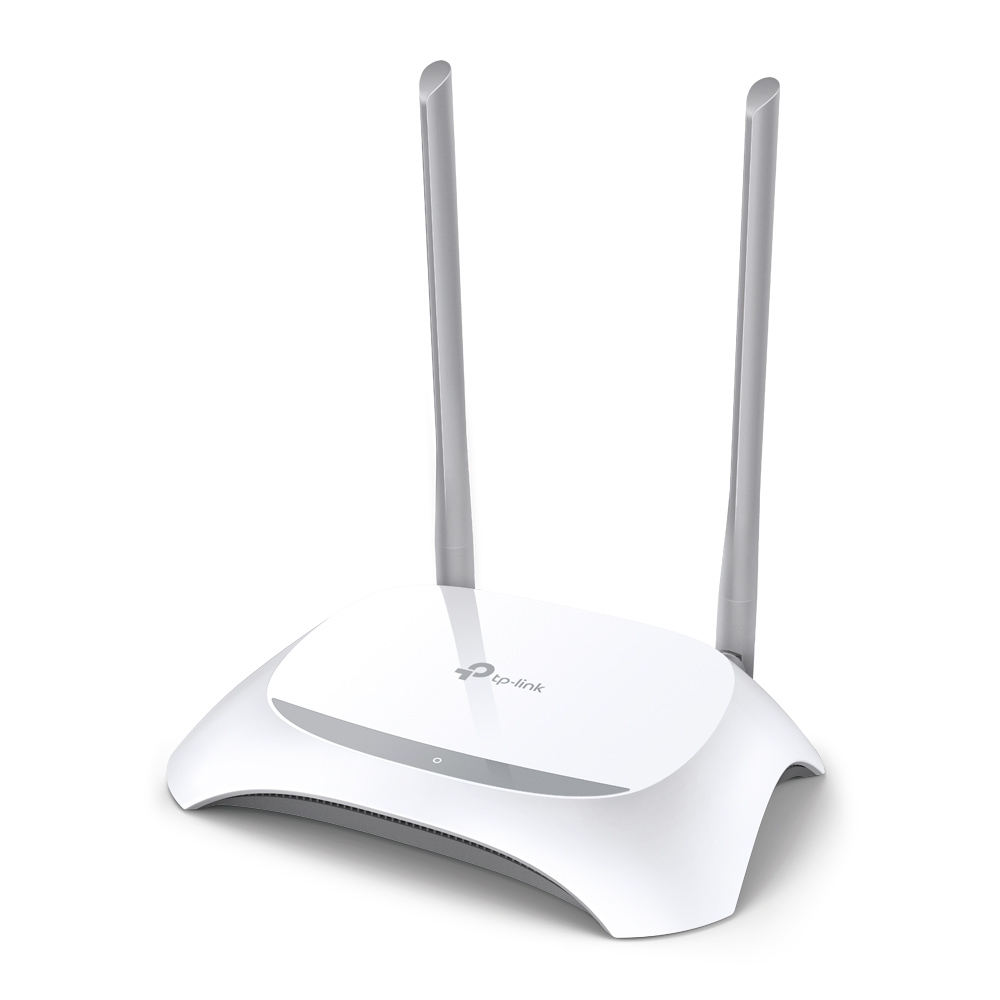
TL-WR840N
300Mbps wireless transmission rate ideal for both bandwidth sensitive tasks and basic work Supports Access Point mode to create a new Wi-Fi access point Supports Range Extender mode to boost the existing wireless coverage in your room Parental Controls manage when and how connected devices can access the internet IPTV supports IGMP Proxy/Snooping, Bridge and Tag VLAN to optimize IPTV streaming compatible with IPv6 (Internet Protocol version 6) Guest Network provides separate access for guests while securing the home network
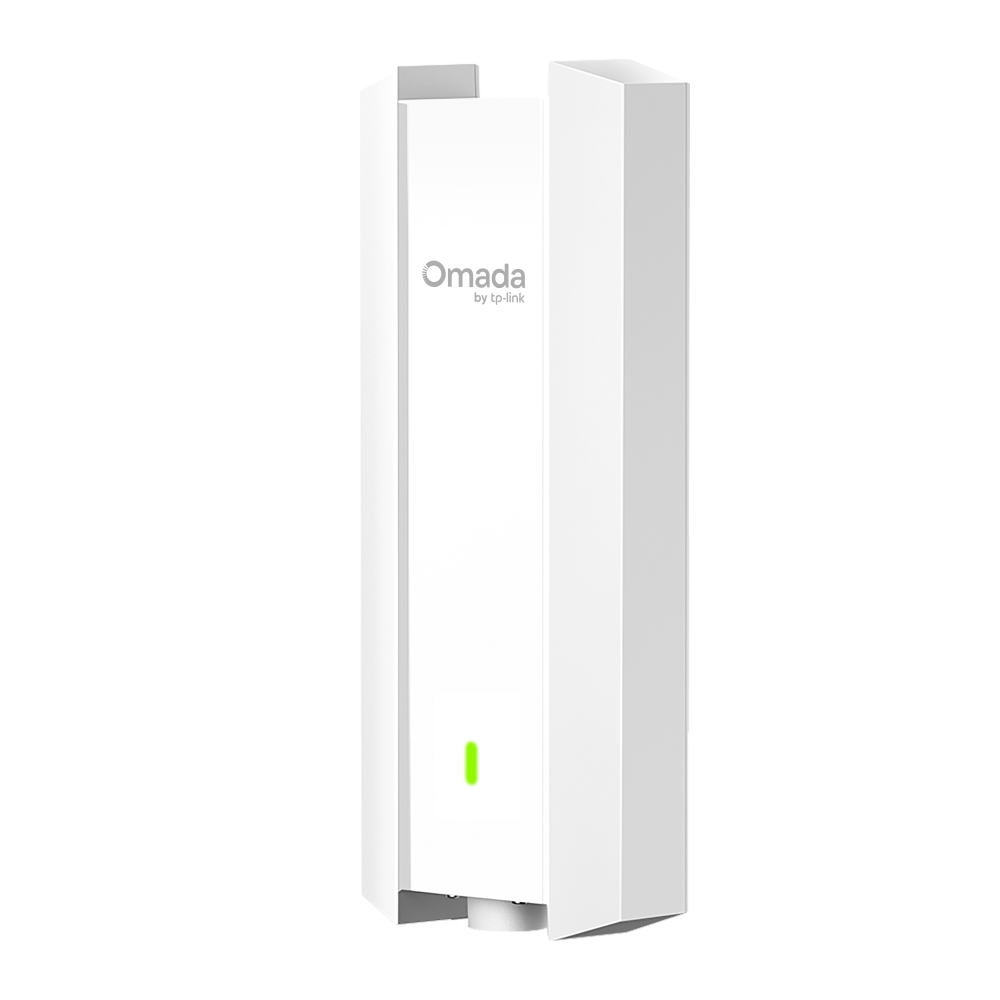
EAP650 OutDoor
AX3000 Indoor/Outdoor WiFi 6 Access Point Superior WiFi 6 Speeds: Delivers dual band speeds of up to 3 Gbps powered by the latest WiFi 6 technology.1 Higher Network Efficiency: Enjoy faster speeds on more devices with less lag with OFDMA and MU-MIMO. 160 MHz Bandwidth Channel: Double the data at peak transmission times on a single stream with HE160.2 Long-Range Coverage: Dedicated high-power amplifier and professional antennas with an IP68 weatherproof enclosure. Omada Mesh Technology: Enables wireless connectivity between access points for extended range and flexible deployment.3 Stay Smooth with Seamless Roaming: Users can enjoy seamless streaming across the property with their devices switching effortlessly between access points.3 PoE Powered: : Supports both 802.3at PoE+ and Passive PoE (adapter included) power supply for flexible installation. Centralized Cloud Management: Omada SDN integration manages the whole network locally or from the cloud via web UI or the Omada app.3
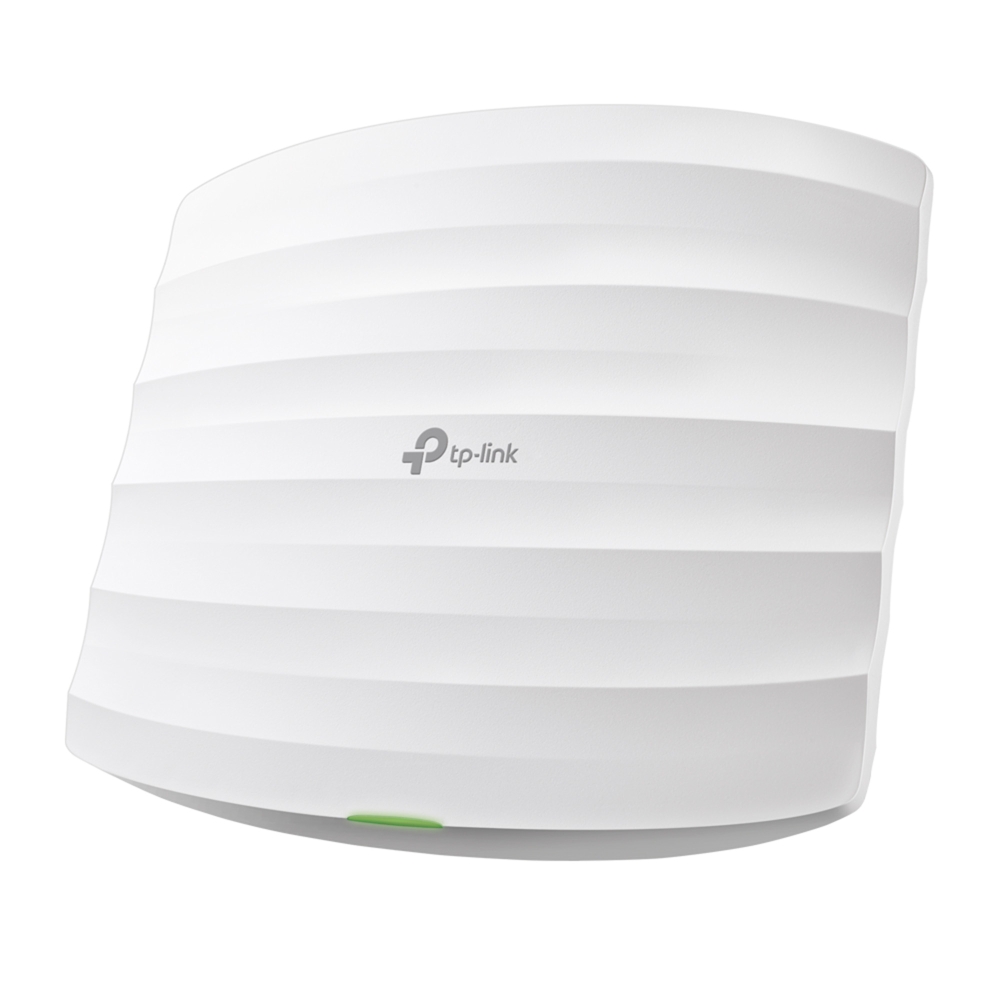
EAP 115 Wireless N Ceiling Mount Access Point
Integrated into Omada SDN: Zero-Touch Provisioning (ZTP)‡, Centralized Cloud Management, and Intelligent Monitoring. Centralized Management: Cloud access and Omada app for ultra convenience and easy management. PoE Support: Supports Power over Ethernet (802.3af/at) for convenient deployment. Easy Installation: Simple mounting design for easy attachment to a wall or ceiling. Secure Guest Network: Along with multiple authentication options (SMS/Facebook Wi-Fi/ Voucher, etc.) and abundant wireless security technologies. Load Balancing: Limit the number of users on each access point and remove devices with weak reception to keep your Wi-Fi running at peak performance. Scheduling: Automatically reboot the access point and turn on or off the Wi-Fi at the time you set.